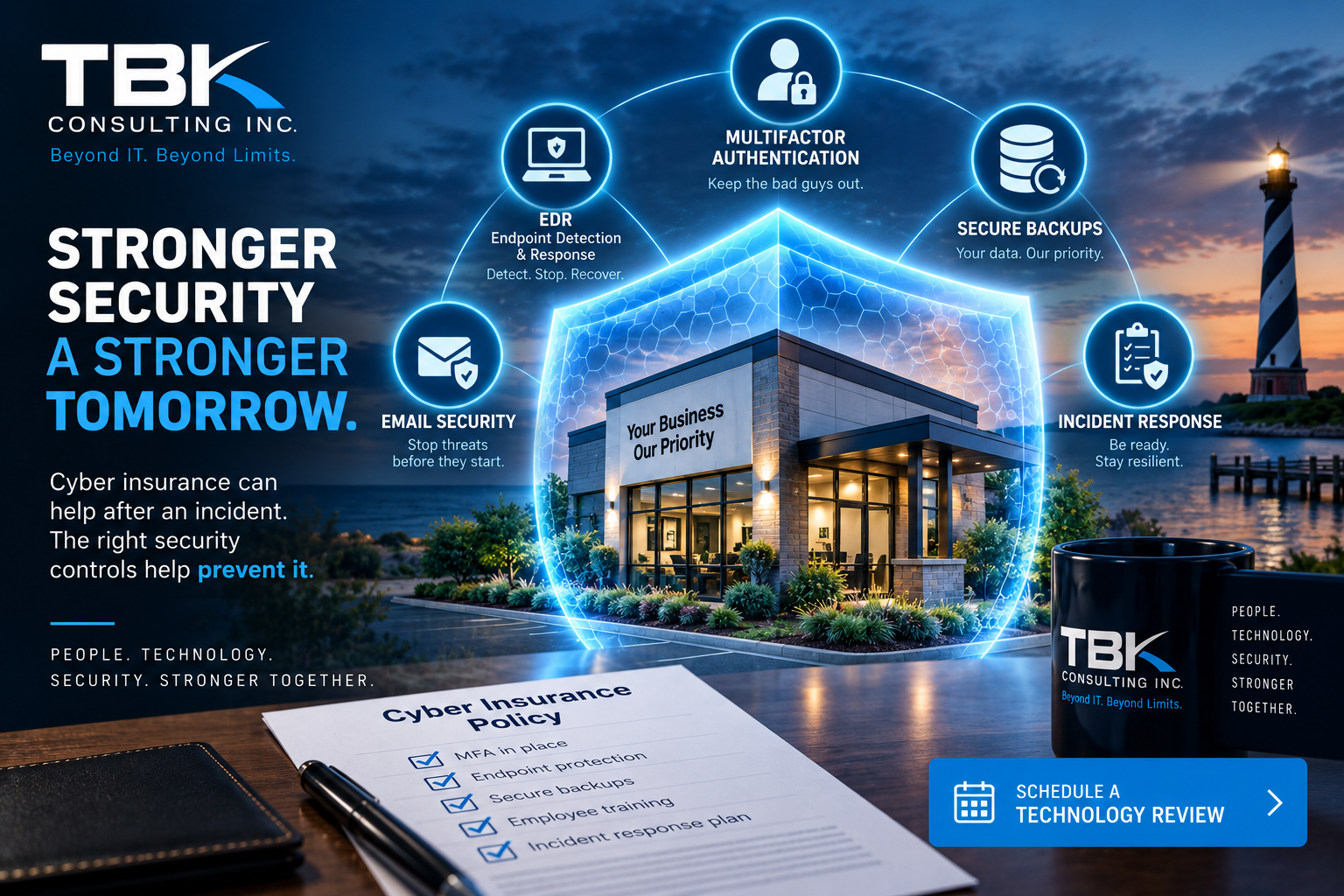
Cyber insurance has become an important part of many businesses’ cybersecurity strategy. But simply having a policy doesn’t mean every cyber incident will automatically result in a covered claim.
When applying for or renewing cyber insurance, businesses may be asked detailed questions about their security controls. Those answers matter.
If your organization says it uses multifactor authentication, endpoint protection, secure backups, employee security training, or other safeguards, those protections need to be properly implemented and maintained.
For small and midsize businesses, this creates an important question:
Would your cybersecurity environment today match what your cyber insurance application says is in place?
Cyber Insurance Is Not a Substitute for Cybersecurity
Cyber insurance can help manage the financial consequences of certain covered incidents, but it doesn’t prevent an attack.
Insurance should be one component of a larger risk-management strategy that includes technology, policies, employee training, monitoring, backups, and an incident-response plan.
Think of it like insurance on a building. The insurance policy doesn’t eliminate the need for locks, alarms, fire protection, and basic safety procedures.
Cybersecurity works the same way.
Security Controls Insurers May Ask About
Every insurer and policy is different, but businesses seeking cyber coverage may encounter questions about controls such as:
Multifactor Authentication
Multifactor authentication (MFA) adds another verification requirement beyond a password.
Businesses should consider MFA particularly important for:
- Microsoft 365 and other cloud accounts
- Remote access
- VPN connections
- Administrative accounts
- Financial systems
- Other sensitive business applications
But there’s an important distinction between having MFA available and actually enforcing it everywhere it’s required.
Endpoint Detection and Response
Traditional antivirus alone may not provide sufficient protection against today’s threats.
Endpoint Detection and Response (EDR) technology continuously monitors computers and servers for suspicious behavior that could indicate malware, ransomware, credential theft, or other malicious activity.
For businesses, the larger question isn’t simply:
“Do we have antivirus?”
It is:
“Would we know if something suspicious was happening on one of our computers right now?”
Secure and Tested Backups
Backups remain one of the most important protections against ransomware, equipment failure, accidental deletion, and other disasters.
But having a backup isn’t enough.
Businesses should know:
- What systems are being backed up?
- How frequently are backups performed?
- Are backups protected from unauthorized modification or deletion?
- Is there an offsite or cloud copy?
- Are Microsoft 365 or other cloud workloads protected where appropriate?
- When was the last successful backup?
- When was the last successful restore test?
A backup that has never been tested shouldn’t automatically be assumed to be recoverable.
Employee Security Awareness Training
Technology can’t prevent every social-engineering attack.
Employees should know how to recognize and report:
- Phishing emails
- Fake Microsoft 365 login pages
- Unexpected MFA requests
- Business Email Compromise
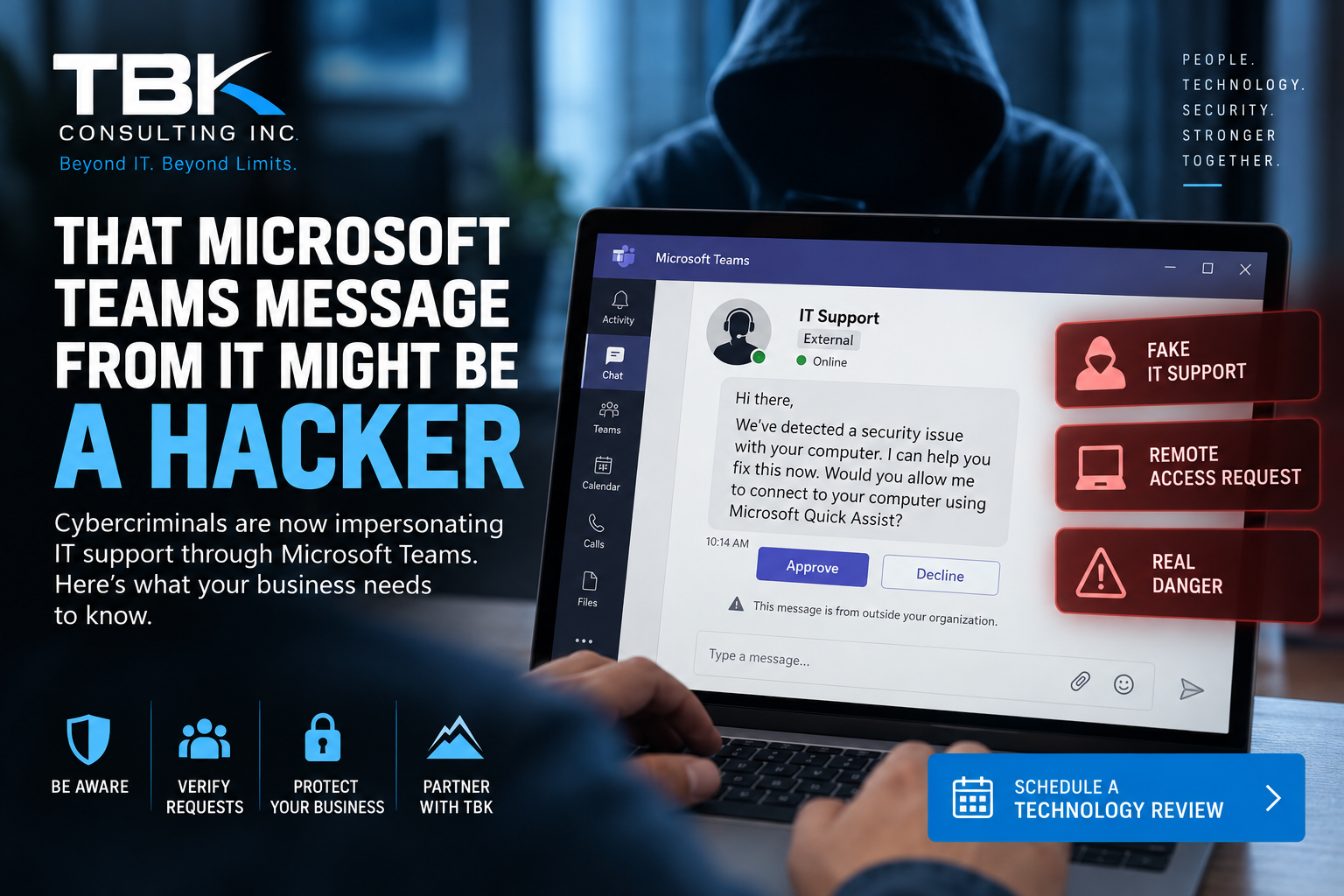
- Fake IT support requests
- Malicious attachments
- Suspicious QR codes
- Payment and banking-change requests
- Password-reset scams
Regular security-awareness training can turn employees from potential targets into an important part of your organization’s defense.
Email Security
Email remains one of the primary ways attackers attempt to reach businesses.
Organizations should evaluate protections such as:
- Advanced spam and phishing filtering
- Malicious attachment detection
- URL protection
- Domain impersonation protection
- SPF
- DKIM
- DMARC
- Account-compromise monitoring
Microsoft 365 provides valuable security capabilities, but those capabilities still need to be appropriately configured for the organization.
Administrative Access
One compromised administrator account can give an attacker significantly more access than a normal employee account.
Businesses should minimize administrative privileges and maintain separate administrative accounts where appropriate.
Administrator accounts should receive stronger protection, monitoring, and authentication requirements.
The principle is simple:
Employees should only have the access necessary to perform their jobs.
Patch and Vulnerability Management
Cybercriminals routinely exploit known vulnerabilities in operating systems, applications, firewalls, VPN appliances, and other network devices.
Businesses need a repeatable process for identifying vulnerable systems and installing security updates.
That includes more than Windows PCs.
Your patch-management strategy should consider:
- Servers
- Workstations
- Microsoft and third-party applications
- Firewalls
- Wireless equipment
- Network switches
- VPN appliances
- Backup systems
- Other internet-connected devices
Incident Response Planning
What happens at 8:15 Monday morning when an employee says every file on the server suddenly has a strange extension?
Who gets called?
Who has authority to disconnect systems?
Who contacts the cyber insurance carrier?
Who communicates with employees?
Who determines whether sensitive information was accessed?
A cybersecurity incident is a terrible time to start figuring out the answers.
Businesses should maintain a written Cyber Incident Response Plan that identifies responsibilities, communication procedures, technical response steps, insurance contacts, and escalation procedures.
Documentation Matters
Cybersecurity isn’t only about installing products.
Businesses increasingly need to demonstrate that security controls actually exist.
Documentation might include:
- Security policies
- MFA configuration
- Endpoint protection deployment
- Backup reports
- Restore-test results
- Patch-management reports
- Security-awareness training records
- Vulnerability assessments
- Incident-response procedures
- User access reviews
- Risk assessments
Good documentation can also make insurance renewals, compliance reviews, audits, and security assessments much easier.
Don’t Wait Until a Claim to Discover a Security Gap
One of the worst times to discover that a security control wasn’t properly implemented is after a cyber incident has already occurred.
Businesses should periodically compare their actual technology environment against their cybersecurity policies, insurance representations, compliance obligations, and operational requirements.
Ask yourself:
Are the security protections we believe we have actually in place, properly configured, monitored, and documented?
If you’re not completely sure, it’s worth finding out.
Schedule a Technology Review With TBK Consulting Inc.
A TBK Consulting Technology Review can help you take a closer look at your organization’s technology and cybersecurity environment.
Depending on your environment and business requirements, we can review areas such as:
- Microsoft 365 security
- Multifactor authentication
- Endpoint security
- Backup and disaster recovery
- Network security
- Patch management
- Email security
- Remote access
- Security policies
- Cybersecurity awareness
- Incident preparedness
- Technology documentation
The goal isn’t to sell you another piece of software.
It’s to help determine where you are today, where potential gaps exist, and what should be prioritized next.
Comments are closed